
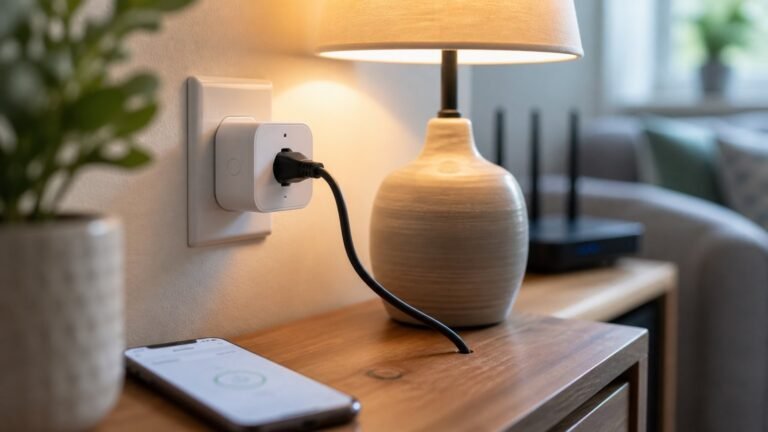
Smart Plug Security Guide: Safe Setup, Matter, Firmware, and When to Use a Switch Instead

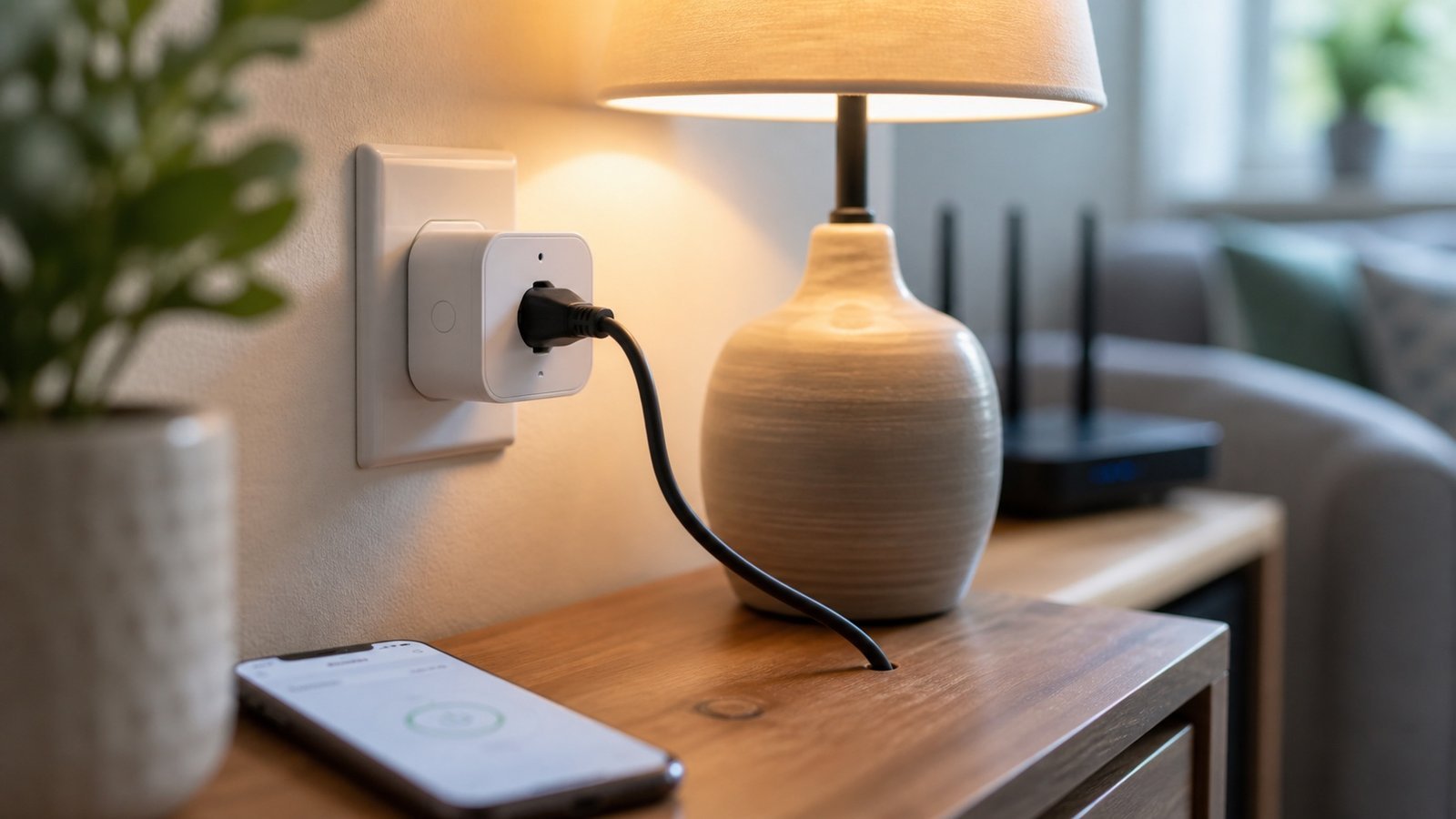
Smart plugs are useful for lamps, fans, and simple schedules, but they are still internet-connected devices tied to an app account. Buy from a vendor that keeps firmware updated, use a unique password and two-factor authentication where available, avoid high-load appliances, and prefer a smart switch when you need permanent wall-control behavior.
The security part most plug reviews skip
The old buying question was “which smart plug is cheapest?” The better question is “which devices can I safely put on my home network?” A plug controls power. It should not be treated like a disposable adapter with Wi-Fi added.
Safe smart-plug checklist
- Check the plug’s load rating before connecting anything.
- Do not use smart plugs for heaters, medical devices, pumps, or anything unsafe if it turns on unexpectedly.
- Use a unique password for the plug app account.
- Enable two-factor authentication if the vendor supports it.
- Update firmware before building automations.
- Put lower-trust smart devices on a guest or IoT network if your router supports it cleanly.
- Review every automation after power cuts, router changes, or app migrations.
Matter helps, but it does not solve everything
Matter can make home automation system starter devices work across Apple Home, Google Home, Amazon Alexa, and SmartThings more cleanly. It does not remove the need for firmware updates, secure accounts, sensible device placement, and safe electrical use. Treat Matter as an interoperability win, not a security guarantee.
When to use a smart switch instead
Use a smart switch for built-in ceiling lights or any setup where wall control matters every day. Use a plug for lamps, holiday lights, and devices you can safely unplug. If a device should never be turned on remotely by accident, it should not be on a smart plug.
Best use cases
- Making lamps follow a schedule while you are away.
- Turning off hard-to-reach standby devices.
- Using energy monitoring to find wasteful devices.
- Automating holiday lights without leaving them on overnight.
Bad use cases
- Space heaters and heated blankets.
- Medical equipment or accessibility devices.
- Fridges, freezers, sump pumps, or anything that can cause damage if power toggles.
- Security cameras or routers, unless you fully understand the failure mode.
Electrical safety comes first
A smart plug is not a magic safety controller. It is a remote-controlled switch. If the appliance is unsafe when turned on unattended, it should not be on a smart plug. Space heaters, heated blankets, pumps, fridges, freezers, medical devices, and routers are common examples where a remote toggle can create more risk than convenience.
Check the wattage and amperage of the device you plan to control, then compare it with the plug’s rating. Leave margin. Avoid daisy-chaining adapters. If a plug feels warm, drops off the network, or controls something that should never surprise anyone, remove it from that job.
Account and network hygiene
Smart plugs are often the cheapest connected devices in the home, which is exactly why they deserve scrutiny. Cheap devices can mean short firmware support, weak apps, and another cloud account. Prefer vendors with visible update history, clear Matter or platform support, and apps that still receive maintenance. Put lower-trust devices on a guest or IoT network when your router supports it cleanly.
Good automations are boring
The best smart-plug automations are predictable: a lamp at sunset, holiday lights off at bedtime, a fan on a schedule, or energy monitoring for a known device. Avoid automations that depend on several cloud services to make a safety-critical decision. If an automation would be dangerous when it runs at the wrong time, it is the wrong automation.
What to document
Keep a small inventory of connected plugs: brand, app account, room, device controlled, automation purpose, and whether it is on the guest or IoT network. This sounds fussy until a plug turns something on unexpectedly or stops responding after a router change. A one-line inventory lets you remove old devices, rotate accounts, and explain the setup to another adult.
Choosing a vendor
Prefer plugs from brands that publish current apps, support your main smart-home platform cleanly, and explain Matter or firmware support clearly. Avoid one-off bargain devices where the app has not been updated recently or requires excessive phone permissions. The price difference on plugs is small; the real cost is the cloud account and maintenance burden you add to the house.
If you already use Kasa, Tapo, Eve, Meross, Amazon, or another mainstream ecosystem, adding one more device in that ecosystem is usually cleaner than introducing a new app for a single plug.
After power cuts and router changes
Review smart plugs after outages, router replacements, and app migrations. Confirm each plug returns to the expected state, automations still run at the right time, and no unsafe device is left powered unexpectedly. This is especially important for plugs controlling lights used as presence simulation while away.
Sources and methodology
By The Connected Living Guide Team. This guide is research-based and does not claim source-backed claims audit.
- FTC home Wi-Fi security guidance
- Connectivity Standards Alliance: Matter
- Specific plug model recommendations should be rechecked against current manufacturer pages before adding prices or rankings.
Last editorial source pass: June 13, 2026.