
Do You Need a VPN at Home? Where It Helps, Where It Does Not

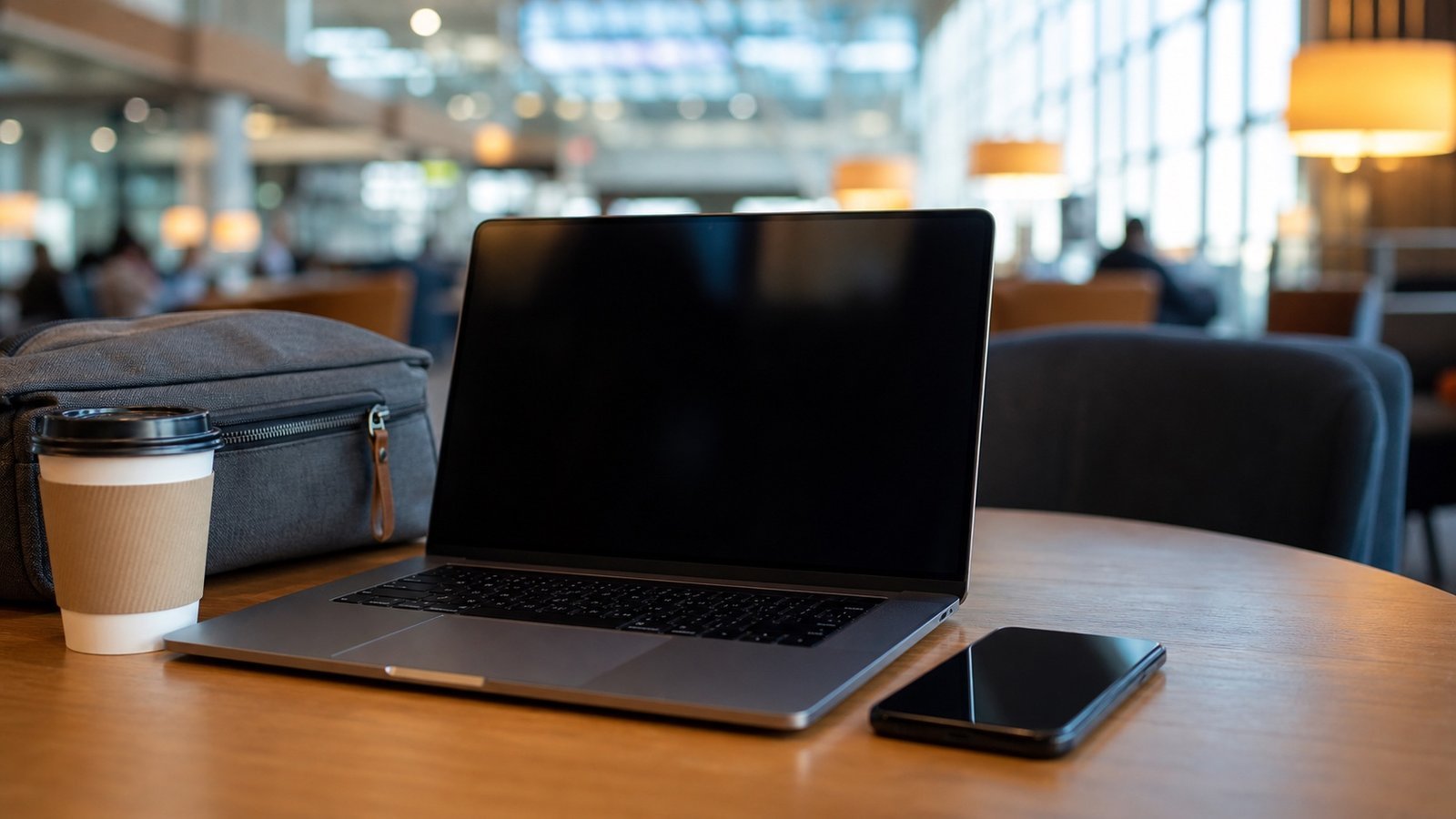
A VPN is most useful when your family uses public, hotel, airport, cafe, school, library, or other shared Wi-Fi. It can help protect the connection between your device and the internet on networks you do not control. It does not stop phishing, data breaches, weak passwords, account takeover, malware, or scams by itself.
What a VPN actually does
A VPN creates an encrypted tunnel from your device to a VPN provider before your traffic reaches the wider internet. That can reduce what a public Wi-Fi operator, nearby network snoop, or some internet providers can see about your browsing. It does not make unsafe websites safe, and it does not prove that a login page, email, text message, or payment request is real.
The simplest way to think about it: a VPN protects part of the route. It does not judge the destination.
When a family should use one
- Public Wi-Fi: airports, hotels, cafes, libraries, trains, shared workspaces, apartment lounges, and guest networks.
- Travel: checking email, bank alerts, cloud storage, or home cameras while away from your own network.
- Shared devices and mixed networks: when a household laptop is often used outside the home and you cannot control the router.
- Privacy from the network owner: when you want less browsing metadata exposed to the Wi-Fi operator.
When a VPN does not help
A VPN will not stop someone from entering a password on a fake website. It will not fix password reuse. It will not recover a stolen account. It will not freeze credit, monitor identity records, or make a compromised phone clean. It also will not secure a weak router password or an outdated camera app. For those problems, you need the right tool: password manager, two-factor authentication, software updates, credit freeze, fraud alert, or account recovery.
Public Wi-Fi: the strongest use case
If you are on a network you do not control, use mobile data, a trusted hotspot, or a reputable VPN before signing in to email, banking, password managers, cloud storage, camera feeds, or identity-recovery accounts. A VPN is useful here because the network itself is not yours.
Home Wi-Fi: useful privacy layer, not a router-security fix
At home, start with the router. Change the admin password, use WPA2 or WPA3, update firmware, turn off old insecure settings, and split guest or smart-device traffic where possible. A VPN can still be useful for privacy, travel habits, and devices that leave the house. It should not be treated as a substitute for securing the router itself.
VPN, password manager, antivirus, and identity monitoring: different jobs
| Tool | Main job | What it does not solve |
|---|---|---|
| VPN | Protect traffic on networks you do not control | Phishing, weak passwords, fake websites, account recovery |
| Password manager | Unique passwords, shared vaults, passkeys, safer autofill | Public Wi-Fi privacy, malware, identity monitoring |
| Antivirus or device security | Malware and device-level protection | Credit fraud, scam calls, reused passwords |
| Identity monitoring | Alerts and recovery help after exposed data | Network privacy or every form of new-account fraud |
Our practical recommendation
If your family rarely uses public Wi-Fi and mostly stays on a well-secured home network, a VPN is optional. If you travel, work from cafes, manage accounts for a parent, check camera feeds away from home, or regularly use shared networks, a VPN is a sensible privacy layer. Buy it for that job, not because it promises to solve every security problem.
Where NordVPN fits
NordVPN is relevant here because the strongest VPN use case is not vague “total security.” It is protecting traffic when a family member uses a network they do not control. That includes hotels, airports, cafes, school or library Wi-Fi, shared workspaces, hospital waiting rooms, apartment guest networks, and travel situations where mobile data is weak or expensive. In those situations, a reputable VPN is a practical privacy layer.
We would not buy a VPN before fixing the basics. A password manager, two-factor authentication, router firmware updates, and credit freezes solve different and often more urgent problems. Once those basics are in place, a VPN is sensible for the devices that leave the house, for the person who handles family admin away from home, and for anyone who signs in to email, banking alerts, cloud storage, or camera feeds on shared networks.
Set it up so it actually gets used
- Install it on the devices that leave the house: phones, travel laptops, and tablets.
- Turn on auto-connect for untrusted Wi-Fi if the app supports it.
- Keep banking, password-manager, email, and identity-recovery sessions on trusted networks where possible.
- Do not use a VPN as permission to click suspicious links or ignore browser warnings.
- Review renewal pricing before the first term ends, because VPN discounts often change after the introductory period.
Who should skip it for now
If your household rarely uses public Wi-Fi, uses mobile data for sensitive tasks, and has not yet fixed passwords, two-factor authentication, router updates, or account recovery, a VPN should not be the first purchase. Spend the time on those basics first. The honest recommendation is not “everyone needs a VPN.” It is “families who regularly use shared networks should have one and understand its limits.”
For connected homes, privacy also depends on platform choice, so compare smart-home ecosystem lock-in alongside VPN decisions.
A VPN is not a substitute for router basics; start with the home Wi-Fi security setup before treating a privacy app as the whole answer.
Sources and methodology
By The Connected Living Guide Team. This guide is research-based and does not claim source-backed claims audit.
Last editorial source pass: June 14, 2026.