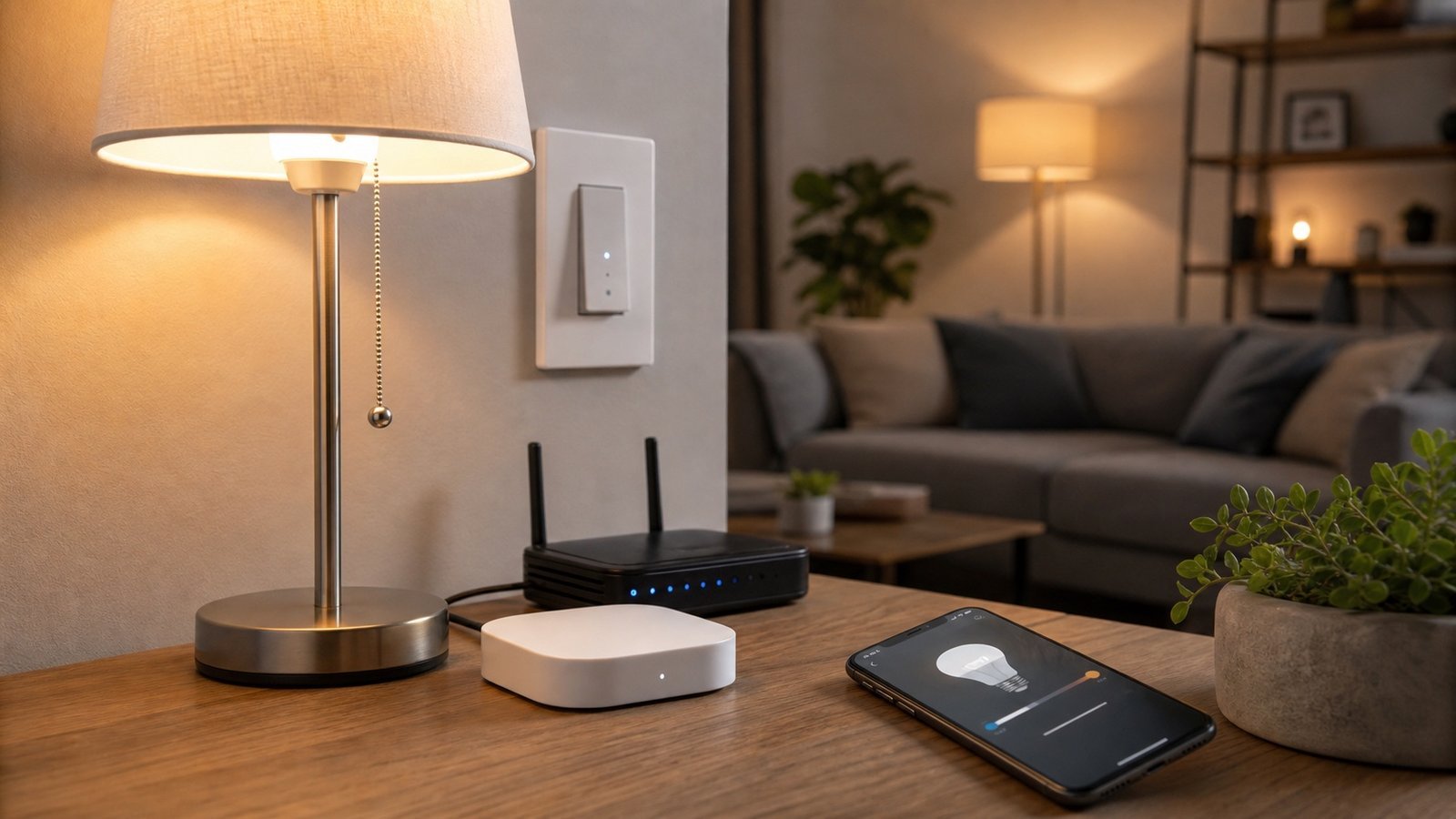
Smart LED bulb with wireless control hub and accessories displayed on a vibrant background, representing modern smart lighting technology and home automation.

Best Smart LED Lights for Home: Bulbs, Strips, Switches and How to Choose

Share This Guide

Smart LED lights come in three completely different forms – and choosing the wrong type for your situation is the most common mistake people make. A smart bulb, a smart switch, and an LED strip are not interchangeable solutions. This guide explains what each type does, which rooms each suits, and which products are worth buying in 2026.

Three types of smart LED lights – and which you actually need

Smart bulbs replace your existing light bulbs. Screw or bayonet into a standard fitting, connect to WiFi or a hub, control via app or voice. No wiring required. The limitation: the light switch on the wall still needs to be left on – if someone turns it off physically, the bulb loses power and goes offline.

Smart switches replace the switch on the wall. The bulbs stay as regular (non-smart) LED bulbs, but the switch itself is connected. This solves the switched-off problem entirely, works with any light fitting, and means guests can use the switch normally. Requires some basic wiring work to install.

Smart LED strips are adhesive-backed flexible LED strips that you mount under cabinets, behind TVs, under bed frames, or along shelving. They’re used for accent lighting and ambient effects rather than main room lighting. Most connect directly to WiFi; some use a hub.

TypeBest forInstallationHub needed?
Smart bulbLamps, pendants, ceiling rosesPlug in, no toolsSometimes
Smart switchAny existing light fittingRequires wiringSometimes
LED stripAccent/ambient lightingPeel-and-stickSometimes

Smart bulbs: what you need to know before buying

The biggest compatibility issue with smart bulbs is fitting type. US homes use:
B22 (bayonet cap, two pins, twist to lock) – most common ceiling lights and floor lamps
E27 (large screw) – pendant lights, some table lamps
E14 (small screw) – chandelier bulbs, some bedside lamps
GU10 (two-pin push-and-twist) – recessed spotlights, kitchen downlighters

Not every brand makes every fitting type. Philips Hue covers all four. WiZ covers B22, E27, E14, GU10. Govee and LIFX are more limited in fitting range – check before buying.

Colour temperature matters more than colour changing for most rooms. 2700K is warm white (evening lighting). 4000K is cool white (kitchen, home office). 6500K is daylight (very bright, for task lighting). Most white ambiance bulbs let you set any colour temperature; most basic white bulbs are fixed at a single temperature.

Colour vs white ambiance vs white only: Colour bulbs (RGB) cost more and are mainly for accent or mood lighting. For most rooms – kitchen, hallway, bedroom – white ambiance (tunable whites only) is more useful and costs less.

Best smart LED bulbs by brand

Philips Hue – best ecosystem overall

Price: From ~$19/bulb (White) to ~$70/bulb (Colour Ambiance GU10)
Hub: Hue Bridge required (~$55) for full features; Bluetooth-only mode available for 10 bulbs without bridge

Philips Hue is the most reliable smart lighting ecosystem. The app is polished, automations work consistently, and the product range is the most complete – covering every US fitting type, LED strips, outdoor lights, and accessories like motion sensors and dimmer switches. The Hue Bridge connects via Zigbee, which is more reliable than WiFi for lighting.

The cost is the main objection. A kitchen with 6 GU10 spots plus bridge costs ~$480 upfront. That’s real money. But the ecosystem lasts – Hue bulbs from 2016 still work on the current app.

Best for: Households wanting a complete, reliable system across multiple rooms.
Avoid if: You want cheap entry – there are better value options for a single room.

Philips WiZ – best value, no hub

Price: From ~$15/bulb | Hub: None required (connects directly to WiFi)

WiZ is owned by Philips but uses a different, cheaper platform. No bridge required – bulbs connect directly to your home WiFi. The WiZ app has most of the features of Hue (scenes, schedules, routines, voice control). For a single room or a first smart lighting setup, WiZ is the most sensible starting point. Works with Alexa and Google Home.

Best for: First-time buyers, renters, anyone wanting smart lighting in one or two rooms without hub costs.
Avoid if: You want tight integration with other Zigbee devices or need the full Hue accessory ecosystem.

LIFX – best for no-hub WiFi lighting, strong colours

Price: From ~$45/bulb | Hub: None required

LIFX bulbs connect directly to WiFi and are among the brightest available (up to 1100 lumens vs most competitors at 800). Colour accuracy is excellent – useful for home cinema or creative lighting setups. No hub, no bridge, no subscription. Works with Alexa, Google Home, and Apple HomeKit natively.

Best for: Apple HomeKit users who want bright, high-quality colour lighting without a hub.
Avoid if: You have a large number of bulbs (WiFi direct scales poorly beyond 15-20 devices).

Govee – best budget LED strips and bulbs

Price: Bulbs from ~$15; strips from ~$19 for 2m | Hub: None required

Govee makes very affordable smart bulbs and the most popular smart LED strips on the market. The Govee strip lights are what most people use for TV backlighting and under-shelf accent lighting. Quality is adequate for the price. The Govee app works but is less refined than Hue or WiZ. Alexa and Google Home support.

Best for: Budget accent lighting, TV backlighting, anyone experimenting with smart strips for the first time.
Avoid if: You want a premium finish or Apple HomeKit support.

TP-Link Kasa (KL series) – best for Alexa households

Price: From ~$18/bulb | Hub: None required

Kasa bulbs are reliable, straightforward WiFi bulbs with strong Alexa and Google Home integration. The Kasa app is clean and simple. Energy monitoring is not available on the bulbs (unlike their smart plugs), but scheduling and voice control work well. Good value for a household already using Kasa smart plugs.

Best for: Alexa households building out a consistent Kasa ecosystem.
Avoid if: You want Apple HomeKit – Kasa bulbs don’t support it.

Smart switches: when they’re the better choice

If your home has dimmer switches or multi-gang switches (two or more switches on one plate), smart bulbs get complicated. The switch needs to stay on, which means you’re fighting against normal household behaviour.

Smart switches solve this. The two main options for US homes:

Lutron Caseta (~$75-70 per switch + ~$95 for the Caseta hub) – the most reliable smart switch system. Uses a proprietary radio (Clear Connect), which is more reliable than WiFi or Zigbee. Works with Alexa, Google Home, HomeKit. The Caseta system is genuinely wired-switch reliable – it doesn’t drop off the network, doesn’t need rebooting.

TP-Link Kasa Smart Switch (~$25-25 per switch) – no hub required, connects to WiFi. Much cheaper entry point. Suitable for one or two switches. Less reliable at scale compared to Lutron.

Installation note: Smart switches require a neutral wire at the switch, which is common in new US builds but not universal in older homes. Check before buying.

Smart LED strips: the practical guide

Smart LED strips are best used for:
– TV bias lighting (behind the screen, pointing at the wall) – reduces eye strain in dark rooms
– Under-cabinet kitchen lighting
– Under-bed frame mood lighting
– Shelf or shelving unit accent lighting

They’re not suitable as primary room lighting – they don’t produce enough lumens for functional overhead light.

Key specs to check:
Lumens per metre: 300-400 lm/m for ambient; 500+ lm/m if you need actual task lighting
RGBIC vs RGB: RGBIC strips can show multiple colours simultaneously (more expensive); RGB strips show one colour at a time
IP rating: IP20 for indoor, IP65 for wet areas (under-eave outdoor, bathroom edges)

Best smart LED strips:

Govee TV Backlight (~$40-45) – the most popular TV backlighting solution. Comes with a camera that samples your screen colours and mirrors them on the wall behind the TV. Genuinely adds to the viewing experience.

Philips Hue Gradient Strip (~$150 for 2m) – expensive but best quality for Hue households. RGBIC with very smooth colour gradients. Integrates with the full Hue ecosystem.

LIFX Lightstrip (~$75 for 1m) – bright, no hub, HomeKit support. Good quality but expensive per metre.

Planning your lighting zones

Before buying anything, it’s worth working out how many zones you need and where the control points are. A zone is typically: one switch, one room or area, one set of devices that come on and off together.

Common sense zone planning:
– Kitchen: main overhead (one zone), under-cabinet strips (second zone)
– Living room: overhead/ceiling (one zone), lamps and accent strips (second zone)
– Bedroom: main light (one zone), bedside lamps (second zone, ideally individually controlled)
– Home office: overhead (one zone), desk lamp (second zone, different colour temperature)

Overlapping fields of view, cable routing, and which rooms share circuits are easier to reason about before you start buying.

Use Planner5D’s floor plan tool to map your lighting zones before you buy – place each light source in your room layout, mark which switch controls which zone, and spot any areas that will be under-lit before you’ve spent anything.


Start your PRO experience free →

Disclosure: This article contains affiliate links. If you buy through our links, we may earn a small commission at no extra cost to you.

Automating your smart lights: what actually gets used

Most people set up three types of automation and use them every day:

Schedules: Lights come on at sunset and off at a set time. Useful for lamps you’d otherwise forget. Takes 2 minutes to set up.

Motion triggers: Hall light turns on when motion is detected after 10pm. Bedroom light turns off 30 minutes after the last motion event. These feel genuinely useful.

Scenes: A “movie” scene dims all living room lights to 20% warm white. A “morning” scene brings the bedroom to 70% cool white at 7am. Scenes are the thing that makes smart lighting feel different from just using a dimmer switch.

The automations most people think they’ll use – syncing lights to music, complex multi-room routines triggered by location – are the ones that get switched off after a week. Start with schedules and scenes.

Who smart LED lights aren’t for

If you rent and have a controlling landlord – smart bulbs (no installation) are fine. Smart switches are not – they replace the wall plate. LED strips with peel-and-stick adhesive usually come off cleanly, but check before committing.

If your WiFi is unreliable – smart lights that use WiFi directly will drop off the network. Either fix the WiFi first, or choose a hub-based system (Philips Hue with Zigbee, Lutron with Clear Connect) that doesn’t rely on your router for every command.

If you want a permanent set-and-forget solution – smart switches with dumb LED bulbs are more reliable long-term than smart bulbs. Smart bulbs can be physically switched off by anyone in the house; smart switches can’t.

Frequently asked questions

Do smart LED lights use more electricity?
Smart bulbs consume a small amount of standby power (typically 0.3 – 1W) when off but connected to the network. The saving from automated scheduling – lights off when you’re not home – usually more than compensates for standby draw.

Can smart lights work without WiFi?
Locally-controlled systems (Philips Hue with Zigbee bridge, Lutron Caseta) retain basic control on the local network even without internet. WiFi-direct bulbs (WiZ, LIFX, Kasa) typically lose remote and voice control without internet, though the Alexa or Google Home hub may retain local control.

Can I mix brands of smart lights?
Yes, within limits. All major brands work with Alexa and Google Home, so you can control them from one voice assistant. For deeper integration (one automation triggering lights from two brands simultaneously), use a hub like SmartThings or Hubitat, or stick to Matter-certified devices.

How long do smart LED bulbs last?
Most smart LED bulbs are rated for 15,000 – 25,000 hours. At 4 hours per day that’s 10 – 17 years. In practice, the LED elements outlast the smart components – the WiFi chip or Zigbee radio is more likely to fail or become unsupported first.

Do smart lights work with Apple HomeKit?
LIFX, Philips Hue, and Arlo (for smart switches) all support HomeKit natively. Govee and Kasa do not. If you’re all-in on Apple Home, buy HomeKit-compatible devices from the start – retrofitting is awkward.

Prices shown are approximate and correct at time of writing. Check current listings for up-to-date costs.

Share This Guide